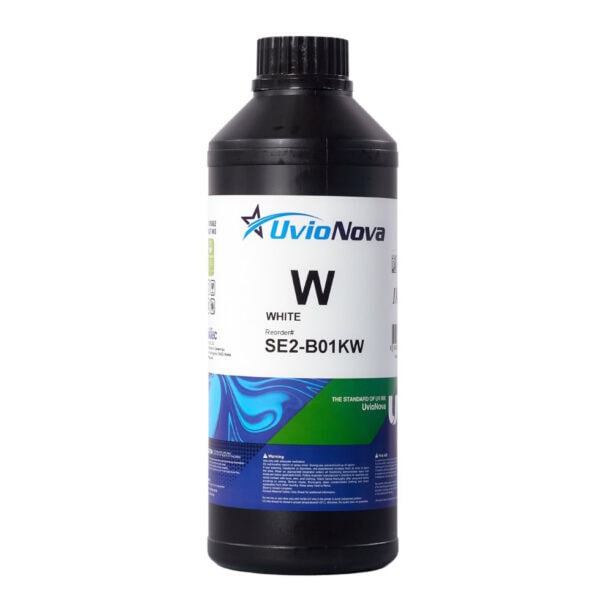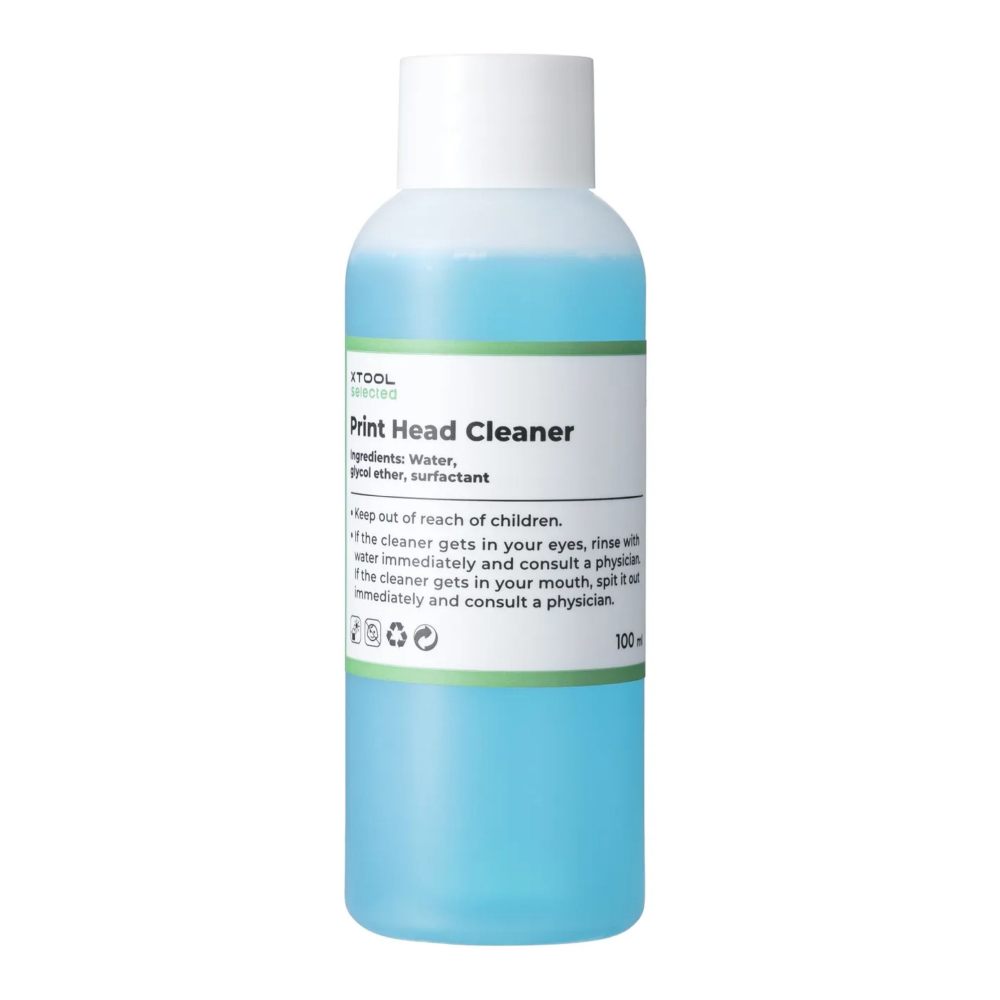
xTool Apparel Printer Cleaning Solution (100 ml)
Professional cleaning fluid (100 ml) for maintaining the xTool Apparel Printer print head and ink system. Removes stubborn clogs and pigment residue and helps fix color distortion and banding in prints.
| Weight | 0.12 kg |
|---|
21.78€Be PVM: 18.00€
In stock: 1 pcs (more on pre-order)
Description
“xTool Selected Apparel Printer Cleaning Fluid” is a certified, professional cleaning fluid designed for the maintenance of the printhead and ink system of the “xTool Apparel Printer.” This fluid effectively removes stubborn printhead clogs and pigment ink residue, corrects color distortions and streaks during printing, and protects the printhead from drying out, ensuring a long service life and optimal print quality.
Key Benefits and Features:
Certified quality (MSDS/SDS): A safe chemical compound that complies with Safety Data Sheet (SDS) requirements and does not damage the printhead’s micro-nozzles.
Clog and defect removal: Successfully resolves issues where the printer stops printing certain colors, print clarity deteriorates, or uneven print lines appear on the fabric.
Printhead protection: Moisturizes the nozzles, maintains a smooth ink flow, and prevents the ink from drying out.
“xTool Selected” Quality Guarantee: Using the official cleaning fluid ensures optimal printer performance. If any quality issues arise, an unconditional return and replacement guarantee applies.
Cleaning Methods and Maintenance Frequency:
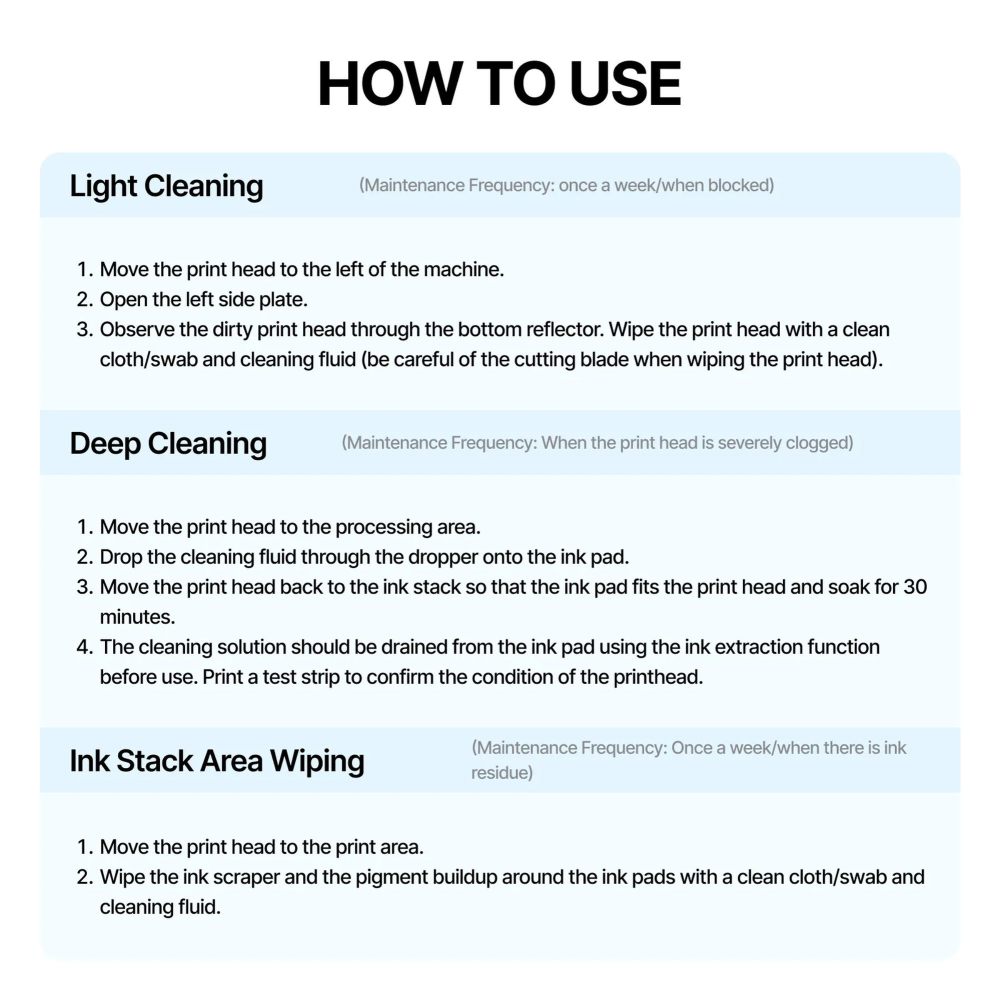
EASY CLEANING (Minor clogging / Weekly):
Move the print head to the left side of the device.
Open the left side cover.
Inspect the bottom of the print head through the lower mirror.
Carefully clean the print head with a cloth or swab moistened with cleaning fluid (Be careful not to cut yourself on the film-cutting blade!).
DEEP CLEANING (Severe clogging / Drying):
Move the print head to the working (printing) area.
Using a pipette, apply a drop of cleaning fluid directly onto the ink pad.
Return the print head to the ink stack position so that the head rests tightly against the moistened ink pad, and leave it to soak for 30 minutes.
Before printing, you must remove the cleaning fluid from the ink pad using the software’s ink extraction function. Print a test strip to check the condition of the nozzles.
CLEANING THE INK STATIONS AND THE PRINT HEAD (Weekly / When pigment buildup occurs):
Move the print head into the working area.
Using a cloth or swab moistened with cleaning fluid, wipe the ink scraper (wiper) and remove any pigment buildup around the ink pads.
Technical Specifications:
Capacity: 100 ml
Certification: MSDS (Material Safety Data Sheet) / SDS
Compatibility: “xTool Apparel Printer” (DTF printer)
Package Contents: 1 × Cleaning Solution (100 ml)
Safety warnings:
Keep out of reach of children.
Avoid contact with eyes and do not swallow. Use with care to prevent spills.
Delivery
Related Products