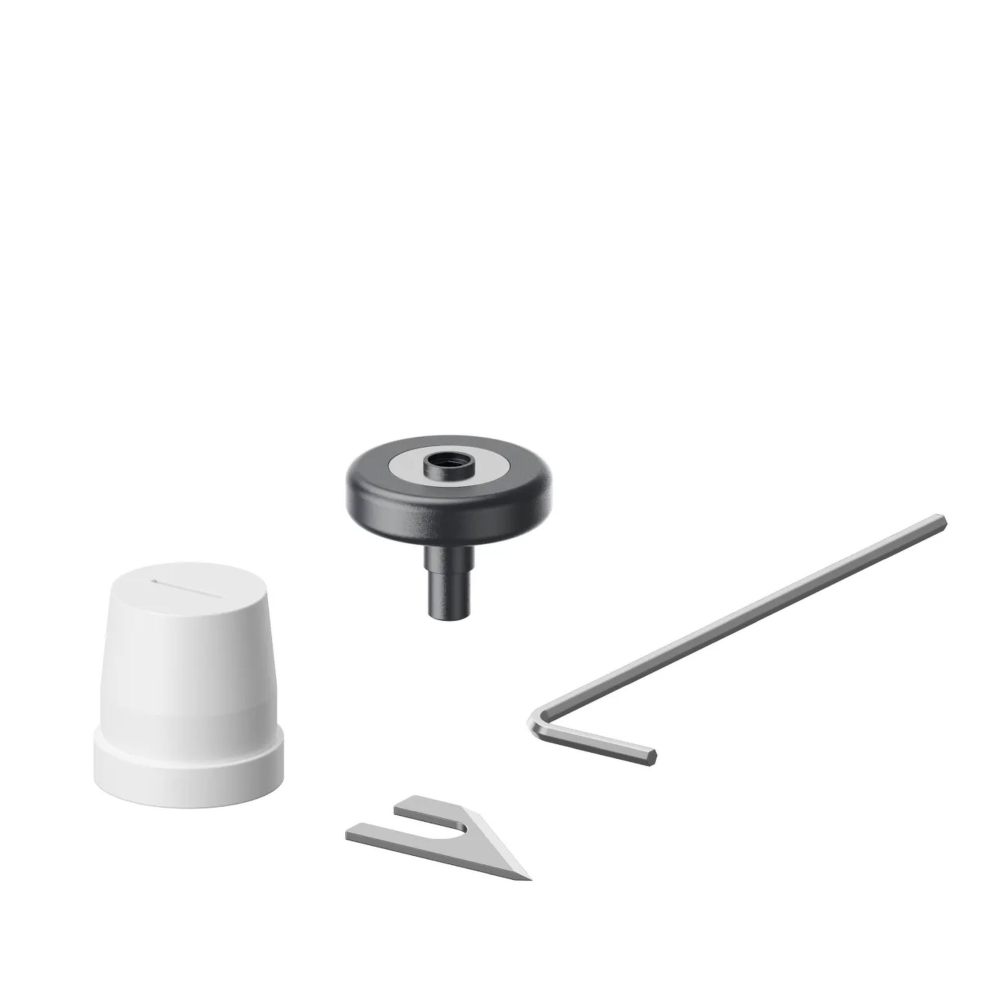
xTool Apparel Printer Cutting Kit
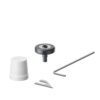
Genuine film cutter accessory kit for the xTool Apparel Printer DTF printer. Steel blades cut the film cleanly and smoothly after printing, without tearing.
| Weight | 0.04 kg |
|---|
35.09€Be PVM: 29.00€
Pre-order. Delivery time: 10 business days
Description
The “xTool Apparel Printer Cutter Kit” is an original set of accessories for the film cutting mechanism, designed for the “xTool Apparel Printer” DTF printer. This kit ensures clean, smooth, and precise cutting of DTF film after the printing process, protecting the film from tearing.
Key Benefits and Features:
Clean and smooth cutting: High-quality steel blades perform a precise, perpendicular cut into the film, preventing the film from fraying or damaging the printed DTF pattern.
Seamless integration with automated systems: The blade mechanism is precisely synchronized with the printer’s internal cutting cycle, ensuring smooth operation for both automatic and manual film cutting.
Long service life and wear resistance: Made from a top-quality rust- and wear-resistant alloy that retains its sharpness even after thousands of cutting cycles through thick DTF film (e.g., 0.075 mm thick).
Easy and safe replacement: The included parts and blades are easy to replace safely on your own, without the need for complicated tools.
Original manufacturer quality: Using official “xTool” replacement blades ensures smooth mechanical operation of the printer and prevents damage to the print head and guide rails.
Technical Specifications:
Purpose: Cutting DTF film (raw material) in the printer’s output area
Blade material: High-quality hardened steel / alloy
Compatibility: “xTool Apparel Printer” (DTF printer)
Processing mode: Apparel printing
Package Contents: 1 × “xTool Apparel Printer” Cutter Kit
Usage and Maintenance Tips:
Checking Blade Condition: If you notice that the cut edge of the film is becoming uneven, curled, or the film is starting to tear rather than being cut, it’s time to replace the cutting blade.
Safety when replacing: Always turn off the printer’s power before replacing the blade, and be careful not to touch the sharp cutting edges.
Cleanliness: Regularly wipe dust and powder residue from the cutter’s guide track with a cloth.
Delivery
Related Products